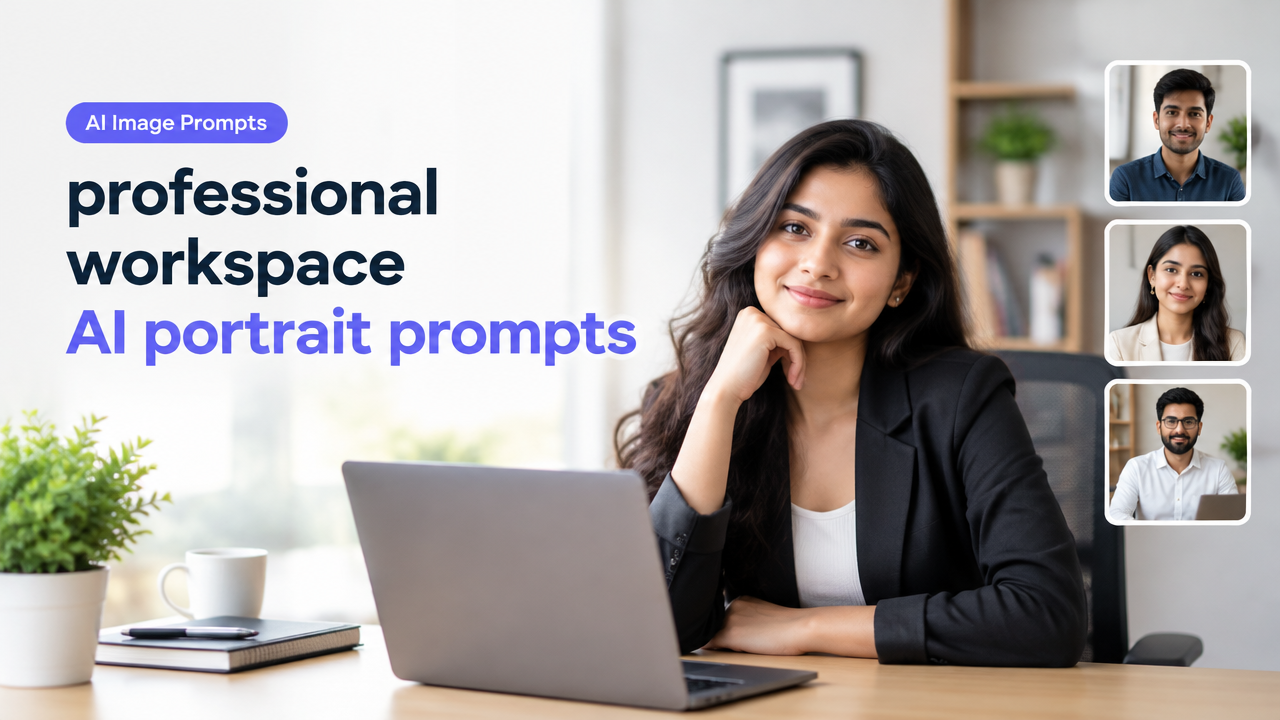
Professional Workspace AI Portrait Prompts for Creators, Students and Freelancers
Answer first: This guide gives 30+ ready-to-use AI portrait prompts for professional workspace looks, grouped by style, plus customization tips, aspect-ratio and composition advice, a short edit/export workflow and common mistakes to avoid. Use these prompts to generate polished portraits for LinkedIn, portfolios, class profiles or client pitches, then resize and export them safely for web and forms.
Why workspace portraits matter for creators, students and freelancers
Workspace portraits show your professional context and personality. For creators and freelancers they build trust and brand—students can use them for campus profiles, internship applications and online portfolios. The right prompt helps AI produce images with clear lighting, neutral backgrounds, and appropriate clothing so the photo looks professional across different platforms.
Prompt groups: 30 copy-ready professional workspace portrait prompts
Below are 30 original prompts grouped into five practical styles. Copy and paste one as a starting point, then tweak clothing, age, skin tone, props or background to match your identity and platform.
Group A — Clean Professional Headshots (7 prompts)
- Young Indian freelancer, neat collared shirt, sitting at a desk, soft window light from left, neutral blurred background, photorealistic, 85mm lens, shallow depth of field, natural skin tones, friendly confident expression.
- South Asian student in smart casual blazer, looking directly at camera, three-quarter pose, softbox lighting, light grey background, high detail, subtle smile, studio-grade clarity.
- Female creator with simple jewelry, minimal makeup, natural warm lighting, plain studio backdrop, head and shoulders framing, crisp eyes, relaxed posture.
- Male freelancer with trimmed beard, white shirt, seated with laptop slightly visible, cinematic soft light, shallow bokeh, professional and approachable mood.
- Young professional in kurta and blazer, soft rim lighting, neutral texture backdrop, photorealistic, tight crop on face and shoulders, colour balanced for ID-friendly look.
- Academic student reading glasses, gentle smile, natural office lighting, bookshelf blurred in background, 50mm portrait style, authentic and studious vibe.
- Remote worker in smart polo, casual desk background with indoor plant out of focus, natural window light, candid yet professional composition.
Group B — Creative Home Office Portraits (6 prompts)
- Indie designer in colourful shirt, creative home studio background with mood board and art supplies, warm ambient light, cinematic depth, lively and artistic expression.
- Content creator with ring light catchlights, neutral background with subtle gradient, mid-shot holding a camera, high detail, modern creative look.
- Freelance coder by standing desk, soft cool lighting, monitors blurred behind, minimalist composition, focused expression, photorealistic fine detail.
- Student with headphones and sketchbook, sunlight spill from window, casual smile, indoor plants and pinned notes blurred, lifestyle portrait style.
- Video editor leaning against desk, warm studio lighting, film posters softly visible in background, cinematic colour grading and shallow depth of field.
- Photographer with camera strap, muted studio background, natural pose, medium-close, crisp detail and neutral tones for portfolio use.
Group C — Minimalist Freelancer Portraits (6 prompts)
- Minimalist black turtleneck, clean white backdrop, head and shoulders, soft directional light, neutral expression, modern editorial portrait.
- Freelancer in monochrome outfit, seated on stool, studio lighting, high contrast but soft, tight crop focusing on face and hands, subtle intensity.
- Student with plain pastel background, casual shirt, natural daylight, slight head tilt, approachable and simple composition.
- Writer with notebook on lap, warm desk lamp, muted background, candid glance away from camera, soft grain for subtle texture.
- Designer with folded arms, minimal backdrop, three-quarter shot, balanced lighting, confident but nonchalant pose.
- Remote consultant in neat shirt, clean studio backdrop, tight framing, neutral colour grading, business-casual tone.
Group D — Academic & Student Portfolio Portraits (5 prompts)
- Graduate student in simple kurta and jeans, library background softly blurred, bright natural light, camera at eye level, thoughtful expression.
- Young researcher with lab notes on table, soft overhead light, clean lab background blurred, practical and focused look, high realism.
- Student leader in casual blazer, campus building blurred behind, golden hour lighting, friendly confident smile, medium framing.
- Undergraduate with backpack strap visible, city campus background blurred, daylight, candid approachable portrait for application profile.
- Scholar with spectacles, soft side lighting, bookcase behind, slightly serious expression, high detail and natural skin tones.
Group E — Corporate-Style Variations (6 prompts)
- Executive-style portrait, crisp shirt and blazer, muted corporate backdrop, soft rim light, composed expression, studio-grade clarity.
- Team lead in business casual, office windows blurred behind, confident stance, medium-close, neutral colour profile for company site.
- Client-facing consultant, dark suit, subtle smile, warm key light, shallow depth of field, professional and trustworthy tone.
- Female manager with neat hairstyle, pastel backdrop, three-quarter pose, soft flattering lighting, approachable leadership look.
- Freelance consultant in open-collar shirt, office plant visible, relaxed posture, natural window light, friendly and professional feel.
- Partner-level portrait, neutral textured background, classic headshot composition, balanced lighting, poised confident expression.
How to customize prompts for your identity and platform
Customize these prompts by changing a few simple elements. A quick checklist helps:
| Element | How to tweak | Why it matters |
|---|---|---|
| Clothing | Choose formal, smart casual or ethnic based on platform | Matches audience expectations |
| Lighting | Specify soft window, studio softbox or warm lamp | Controls mood and skin tone realism |
| Background | Plain, office, bookshelf or creative studio | Sets context without distraction |
| Camera & Composition | Lens focal length, crop type, head-and-shoulders or three-quarter | Determines framing and detail |
| Expression | Friendly, focused, confident, candid | Aligns with brand tone |
Aspect ratio, composition and safe-area guidance
Rather than hardcode exact platform pixel sizes, use these aspect ratio recommendations and always verify current platform specs before final export.
- 1:1 — Classic avatar and profile photos. Center the face and leave small margins for cropping.
- 4:5 or 5:4 — Portrait posts for mobile feeds. Slightly taller crops keep the face prominent.
- 3:2 or 2:3 — Standard photographic crops for portfolios and downloads.
- 16:9 — Landscape banners or hero images; avoid tight head crops in this ratio.
Safe-area tip: keep key facial features at least 8–12% inside from each edge so automatic cropping on various apps doesn’t cut the chin or forehead. Verify exact safe-area if a site publishes its own guidelines.
Short workflow: generate, choose, edit, export
- Generate 6–12 variations of a chosen prompt. Save the best 3.
- Pick the image with the most natural skin tones and clear eyes. Avoid images with obvious artifacts around hair or hands.
- Crop for composition and safe-area. Use a tool like Smart Image Resizer to set aspect ratio and pixel size if needed. Link: Smart Image Resizer, Converter & Compressor.
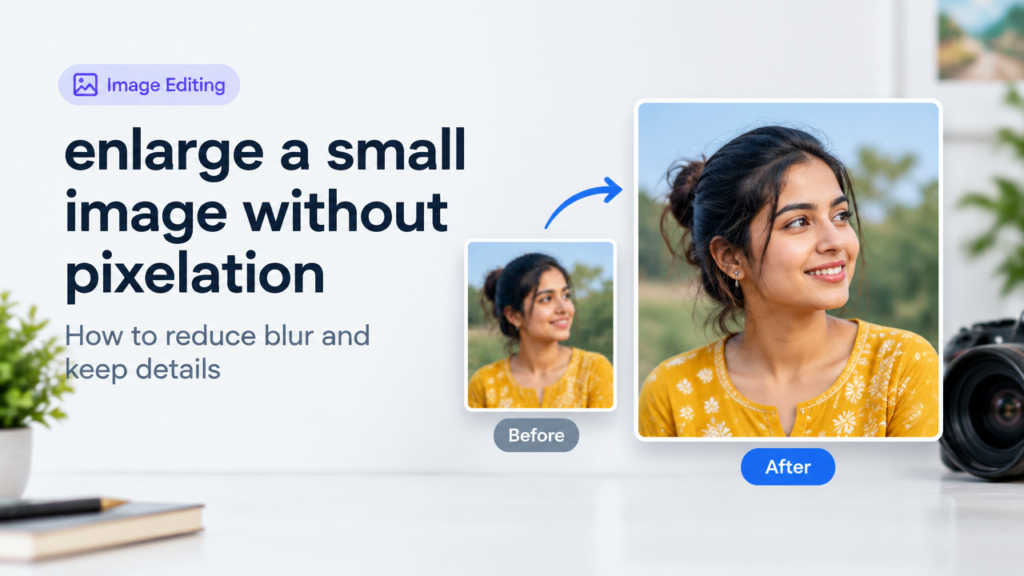
- Minor retouching: remove stray pixels, adjust exposure and white balance. For crop/rotate or enlarging without quality loss, see this guide: Crop Rotate Flip Enlarge Image Without Losing Quality.
- Export in the correct format. For web and portfolios, consider trade-offs between JPG and WebP; learn quality vs file size here: JPG PNG Webp Quality vs File Size.
- Run a final compress/resizer pass if needed to meet upload limits, keeping a master high-resolution file locally.
Tips for better results and privacy notes
- Start with clear prompt language: specify age range, skin tone, clothing style, lighting and camera angle.
- Use neutral backgrounds for most professional contexts to avoid distracting elements.
- Keep a master original image if you plan to make multiple platform crops.
- Be mindful of personal data: do not upload sensitive ID documents into public AI tools. Check the tool’s privacy policy before uploading facial images.
- AI tools rarely preserve exact likeness reliably. If you must match a real identity (for official IDs), verify tool capabilities and legal acceptability first.
Common mistakes creators make
- Using overly busy backgrounds that compete with the subject. Keep it simple for professional clarity.
- Not specifying lighting or lens; vague prompts produce inconsistent results.
- Over-compressing the final export and losing facial detail; always keep an uncompressed master file.
- Ignoring aspect-ratio safe areas and ending up with awkward crops on uploads.
- Assuming AI will exactly replicate a real person’s face; this can lead to inaccuracies and should be avoided for identity documents.
Frequently Asked Questions
Final checklist before upload
- Pick the best variation with natural eyes and skin.
- Crop to the intended aspect ratio and check safe-area margins.
- Retouch minor artifacts and balance exposure/colour.
- Export in the target format and compress as needed, retaining a high-res original.
- Verify platform upload limits and rules before final submission.
Conclusion
These professional workspace AI portrait prompts are a practical starting point for creators, students and freelancers who want polished images for profiles, portfolios and client work. Use the provided customization tips, aspect-ratio guidance and workflow to generate and prepare images efficiently. When resizing, cropping or converting for upload, use trusted tools and double-check platform requirements. For help with resizing and format choices, explore Smart Image Resize tools and guides linked above.
Try the matching Smart Image Resize tool
Use the closest live SmartImageResize tool for the task in this guide. For government or platform uploads, verify the latest official requirement before final submission.